



How to create online brand guidelines
To create online brand guidelines, start with the brand elements people use most, publish them in one accessible online location, and expand the guidelines as your brand evolves.
You don't need to migrate a 100-page brand book at once.
At Corebook, we recommend starting with three steps:
1. Publish the essentials.
2. Add context and examples.
3. Connect your guidelines with your brand assets.
The goal isn't to recreate your PDF online page by page. It's to create a living source of truth that people can actually use.
What makes online brand guidelines different from a PDF?
A PDF is a version of your brand guidelines.
Online brand guidelines are the current version.
When something changes, you update the source rather than creating another file and redistributing it.
That changes the workflow:
PDF:
Update → export → send → replace old copies → communicate the change.
Online:
Update → publish.
Everyone with access returns to the same source.
That becomes particularly valuable as the number of employees, agencies and external partners using the brand grows.
What should you put in online brand guidelines first?
Start with the elements people need most often:
Logo — approved versions, downloads and usage rules.
Colors — primary and secondary palettes with relevant color values.
Typography — typefaces, weights, hierarchy and usage.
Tone of voice — principles supported by real writing examples.
These don't need to represent everything your brand has ever documented.
They need to answer the questions your team encounters most often.
Once those fundamentals are ready, publish the guidelines and give your internal teams and external partners access.
Unlike a static document, online brand guidelines don't need to be finished before they can be useful.
How should you expand online brand guidelines?
Add information when it helps someone make a better brand decision.
That might include photography, illustration, motion, audio, accessibility, social media, UI, campaigns or templates.
But don't simply move more documentation online.
Use the format to show how the brand works.
Instead of describing motion, show the animation.
Instead of explaining how a logo behaves in video, embed an example.
Instead of giving someone a folder of templates separately, provide the resource where the relevant rule is explained.
A useful test for every section is:
What should someone be able to do after reading this?
If the answer isn't clear, the section probably needs more context — not more content.
Where should brand assets live?
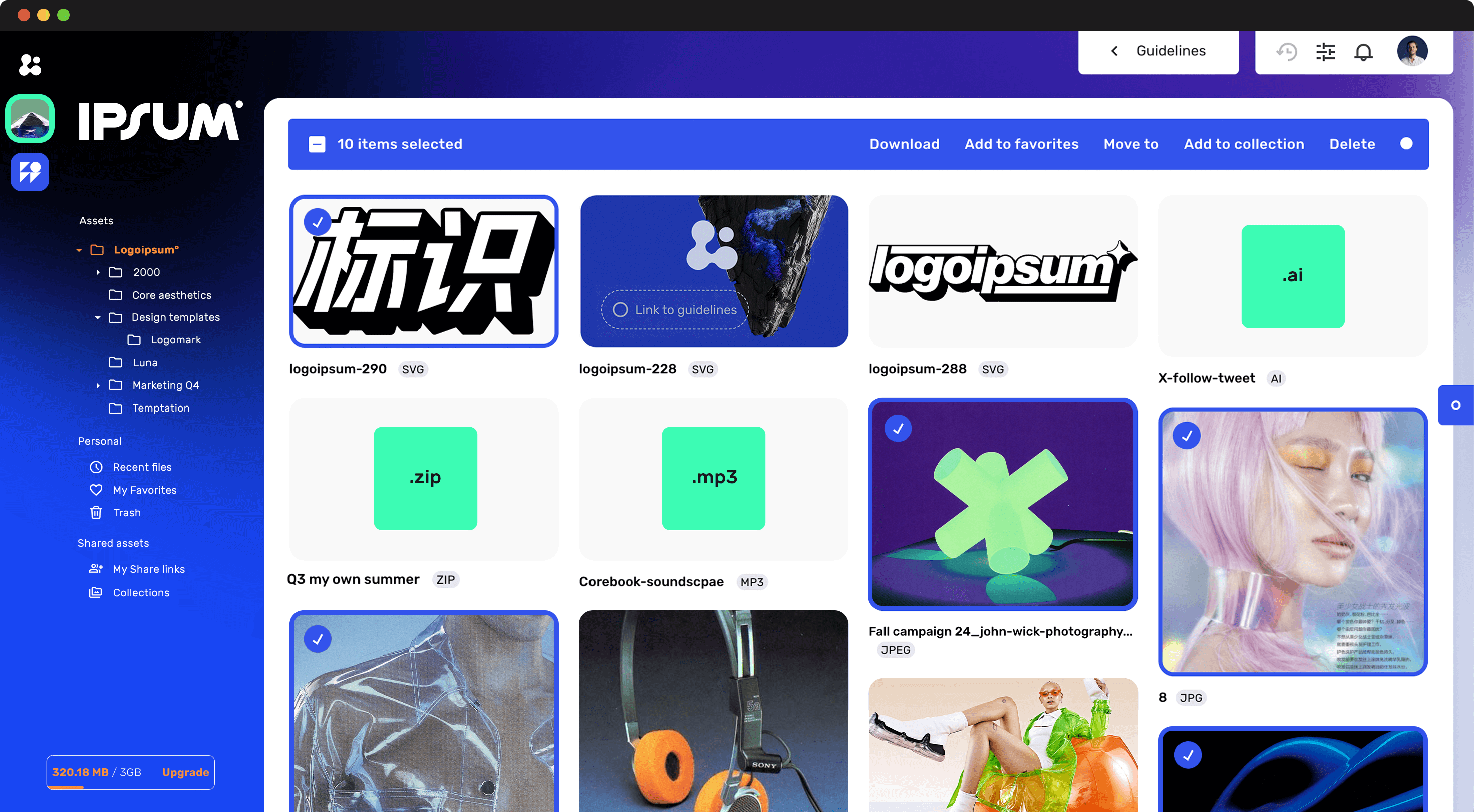
Brand guidelines explain how the brand should be used. Your asset library provides what people need to use it.
Keeping the two connected reduces the gap between understanding a rule and applying it.
For example, someone reading your logo guidelines shouldn't have to search another drive or ask a designer for the correct logo file.
The approved asset should be available in context.
The same applies to fonts, icons, templates, campaign materials, photography and other frequently used resources.
In Corebook, these assets can also be managed through the Asset Library.
Do online brand guidelines need to be complete before you launch them?
No.
Start with the information people need today and expand from there.
Your first version might contain only your logo, colors, typography and tone of voice. Later, you can add motion principles, campaign guidance, templates, photography, assets or entirely new sections as the brand evolves.
That's one of the fundamental differences between treating brand guidelines as a document and treating them as a living system.
Start small.
Make the important things useful.
Then build from there.